 UGX
 KES - Kenya
 TZS - Tanzania
 RWF - Rwanda
 NGN - Nigeria
 ZAR - South Africa
 USD - Zimbabwe
 GHS - Ghana
 ETB - Ethiopia
 ZMW - Zambia
 USD - International

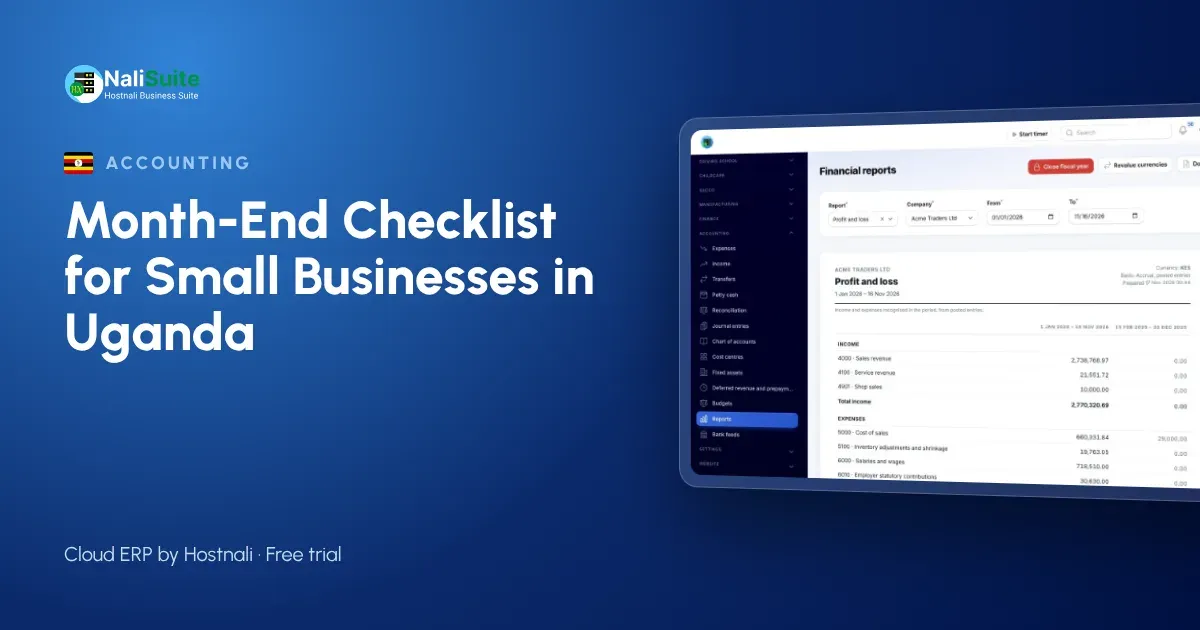
A supermarket in Jinja, a pharmacy in Mbarara and a logistics firm in Kampala all have the same problem on the first of the month. Money came in on MTN MoMo, Airtel Money, bank and cash, and none of those records agree with each other yet.
This checklist splits the close into five areas you work through in order. Tick each line and the month is done; skip one and the numbers will be wrong somewhere.
Before you begin
Set aside the same days every month for the close, ideally the first three to five working days. Decide who does what. In a small business that might be the owner and one bookkeeper, with the accountant reviewing at the end.
1. Money that came in
| Channel | What to check |
|---|---|
| MTN MoMo and Airtel Money | Every merchant payment links to a sale or invoice; wallet fees recorded |
| Bank | Every deposit and transfer links to an invoice; unknown deposits listed |
| Cash | Counted cash equals recorded cash sales, less any banked |
| Card | Settlement report from your payment provider equals card sales |
Do not just look at totals. Two errors can cancel out and hide a missing sale.
NaliSuite Accounting imports wallet and bank statements and proposes the invoice for each payment, so you only deal with exceptions. The bank and mobile money reconciliation feature shows how.
2. Money that went out
- Enter every supplier bill for the month, using the date you received the goods.
- Match bills to orders and delivery notes where you have them.
- Record boda boda fares, airtime and other petty cash spending, with receipts.
- Record bank and mobile money charges.
- Check that rent, power and water bills are recorded, even if not yet paid.
Unpaid bills still belong to the month. Leaving them out makes the month look more profitable than it was.
3. Customers and stock
Who owes you money
Sort unpaid invoices from oldest to newest. Send a reminder with a payment link for recent ones. Phone the customers with older balances and agree a date. For corporate customers, ask whether the invoice reached the person who approves payments; that is often the real delay.
With NaliSuite Invoicing, each invoice has a link to pay by MTN MoMo, Airtel Money or card, and the payment is matched automatically. The mobile money payments feature explains this.
What is on the shelf
Count the items that sell fastest and those worth the most. Compare with the system and record each difference with a reason. Expired goods are a common reason in pharmacies and food shops; record them as such rather than as “missing”.
4. Staff
- Check that the month’s payroll was approved and paid.
- Record PAYE and NSSF as amounts owed until they are paid.
- Make payslips available to staff.
NaliSuite’s payroll for Uganda works out statutory deductions and produces payslips that can be sent by email or WhatsApp.
5. Tax, reports and closing
VAT
The standard VAT rate in Uganda is 18%. If you are registered, compare output VAT on sales with input VAT on purchases. Check the current filing deadline and any electronic invoicing requirements with URA, as the rules have been changing. To check the VAT on a single invoice, use the free VAT calculator.
Reports
Look at the profit and loss, the balance sheet and the list of unpaid invoices. Ask one question of each:
- Profit and loss: is this month better or worse than last month, and why?
- Balance sheet: do bank and wallet balances equal the statements?
- Unpaid invoices: is the total growing?
Lock the month
Once you are happy, lock the period so nothing can be posted into it by mistake.
A worked example: a pharmacy in Mbarara
A pharmacy with two counters takes most of its money by MTN MoMo. At its first structured close, the owner found the MoMo statement showed more income than the till. The difference was customers who paid by MoMo for items the counter staff had not rung up. The fix was simple: every MoMo payment must match a till sale before the customer leaves. The following month the two figures agreed within a few transactions.
What usually goes wrong
- Personal and business money mixed on one wallet. Get a separate merchant code for the business.
- Unrecorded wallet fees. They are small per payment but add up over a month.
- Stock counted only once a year. By then, losses are hard to trace.
- No lock. Old months change quietly and nobody knows why the profit moved.
Frequently asked questions
How often should a small business in Uganda close its books?
Every month. A monthly close keeps VAT and payroll accurate and catches problems while they are still small.
Can I close the month if some suppliers have not sent bills?
Yes. Record an estimate for goods you received but have not been billed for, then replace it when the bill arrives.
What if a MoMo payment has no name or reference?
Record it as an unidentified receipt, then check the sender’s number against your customer list or ask the sender to confirm.
Does NaliSuite work offline?
The point of sale keeps selling offline and syncs later. The rest of NaliSuite runs in the browser when you are connected.
Try NaliSuite
NaliSuite gives Ugandan businesses invoices with MoMo pay links, statement matching, payroll and accounting in one place. Start a free trial on the Starter plan from UGX 8,500 a month, see all plans or read about NaliSuite.