 UGX
 KES - Kenya
 TZS - Tanzania
 RWF - Rwanda
 NGN - Nigeria
 ZAR - South Africa
 USD - Zimbabwe
 GHS - Ghana
 ETB - Ethiopia
 ZMW - Zambia
 USD - International

In a Ugandan business with staff on the move – sales reps visiting shops upcountry, technicians on site, drivers on delivery runs – a large share of spending happens far from the office. Fuel in Mbarara, lunch in Gulu, a boda boda in Jinja, a spare part bought on the roadside. If those expenses are not recorded properly, the owner is left guessing and staff wait weeks to be paid back.
This guide focuses on two things that make or break expense tracking: getting the right receipts and handling staff claims well.
Why receipts matter
A receipt is evidence. It shows that the money was spent, on what, and with whom. Without it, you cannot be sure the expense was real, you cannot categorise it properly and you may not be able to support it if URA asks.
For purchases from businesses on URA’s EFRIS system, ask for the e-receipt or e-invoice that EFRIS issues. If you are registered for VAT, that document supports your input VAT claim. Check the current rules with URA for the kinds of expenses your business has.
Some sellers cannot issue receipts: boda boda riders, market vendors, casual workers. For these, use a signed voucher showing the date, amount, purpose and the person’s name and phone number.
Set clear rules for spending on the move
Write a one-page expense policy and share it with everyone who spends for the business. Cover:
- What can be claimed: fuel, transport, approved meals on field trips, small parts or supplies.
- Daily limits: for example, a maximum for lunch or transport on a field day.
- How to pay: the business card or mobile money line where possible; personal money only when necessary.
- What to submit: a receipt or voucher for every item, with the purpose.
- Deadline: claims within a set number of days.
Clear rules reduce arguments and make approval quick.
Make claiming easy
If claiming is slow and complicated, staff either stop claiming (and lose money) or claim in bulk weeks later (and forget details). Make it simple:
- Photograph the receipt the moment you get it.
- Submit the claim the same day.
- Get a decision within the week.
- Be paid on a fixed day.
NaliSuite employee self-service handles this from the staff member’s phone: snap the receipt, submit the claim and follow it through approval to payment. The manager approves from their own phone.
Use advances carefully
Many field trips need cash upfront. If you give an advance, record it as money owed by the staff member until they account for it with receipts. Settle each advance before giving the next one. Unsettled advances are one of the most common ways money goes missing.
Control petty cash at the office
For the office, keep a fixed petty cash float. Pay only against vouchers, top up only for the vouchers presented, and count the float whenever you top it up. One person should be responsible for it.
Categorise and approve
Use a consistent list of categories: fuel and transport, field allowances, stock and materials, premises, power, communication, MoMo and bank charges, repairs, marketing, professional fees. Approvals should follow your policy. In NaliSuite purchases, you set approval limits by amount for purchase orders, bills and expenses.
Reconcile monthly
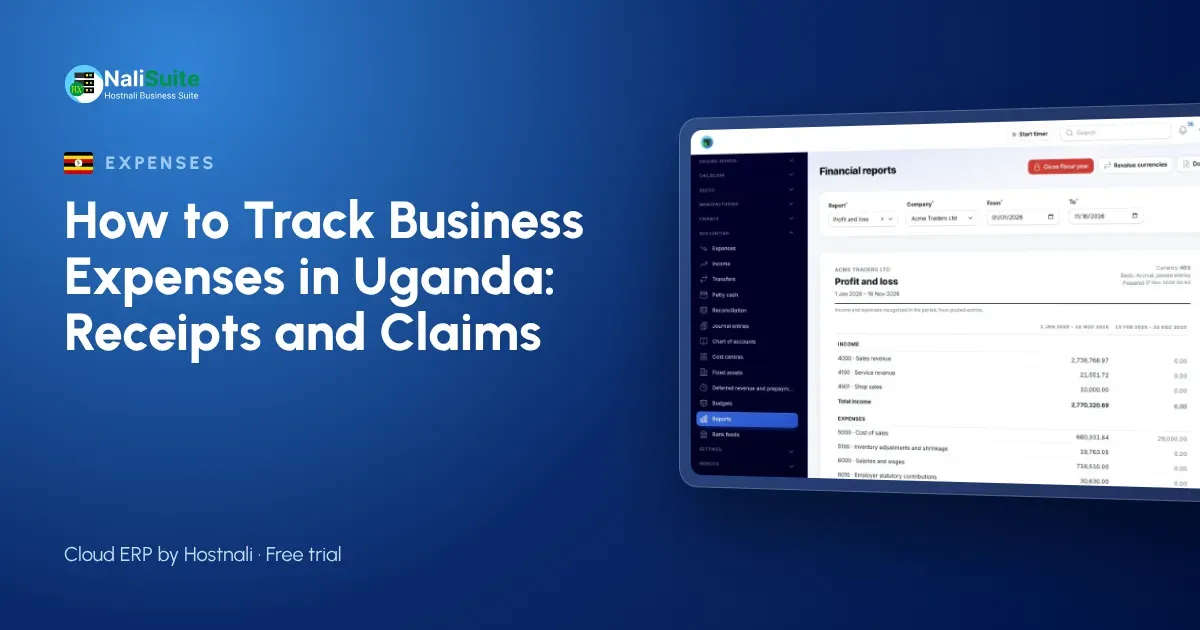
At month end, match every payment on your bank, MTN MoMo and Airtel Money statements to a recorded expense, claim or advance. NaliSuite accounting imports statements or connects bank feeds and suggests matches, and mobile money and bank reconciliation lists anything still unmatched.
Typing less
The Document AI add-on reads PDF invoices and photos of receipts and drafts the bill or expense – supplier, dates, lines, VAT and totals – for you to check. It is set up with an Anthropic API key that belongs to your business.
An example from the field
A sample agro-inputs distributor based in Kampala has six sales reps covering western and northern Uganda. Before it set rules, reps submitted claims monthly on paper, many receipts were missing and the office spent days arguing over amounts. With daily limits, phone claims and a fixed weekly payment day, claims now arrive within a day or two, the manager approves on Fridays, and the owner can see fuel and travel cost per region each month.
Look at cost per trip and per region
Once claims are recorded consistently, use them. Group field expenses by region, sales rep or customer, and compare them with the sales each trip produced. A route that costs a lot in fuel and allowances but brings in few orders may be better served by a phone call, a local agent or less frequent visits. Equally, a region with high sales and low travel cost may deserve more attention. Expense tracking is most useful when it helps you decide where your team’s time and money should go next month.
Frequently asked questions
What if a staff member loses a receipt?
Ask for a signed voucher explaining the expense. If it happens often, review the policy with them.
Should I pay fixed allowances instead of claims?
Fixed allowances are simpler but may not match real costs. Many businesses use allowances for meals and claims for fuel and parts.
How quickly should I reimburse staff?
On a fixed day each week or fortnight. Fast, predictable payment encourages accurate claims.
Try NaliSuite
NaliSuite handles expense claims, approvals, advances and MoMo reconciliation in one system. Plans start at UGX 8,500 a month, shown in shillings, with a free trial. See the plans.