 UGX
 KES - Kenya
 TZS - Tanzania
 RWF - Rwanda
 NGN - Nigeria
 ZAR - South Africa
 USD - Zimbabwe
 GHS - Ghana
 ETB - Ethiopia
 ZMW - Zambia
 USD - International

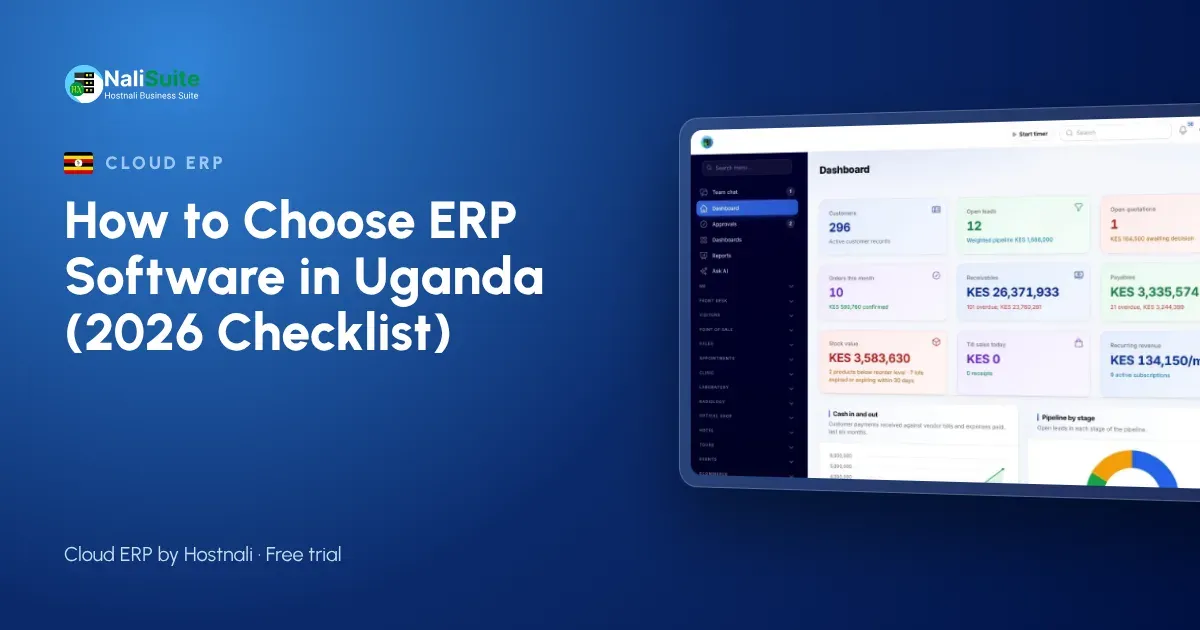
Many Ugandan businesses run on mobile money statements, receipt books and spreadsheets. It holds together until you add a branch outside Kampala, start paying NSSF for more staff or need clean books for the URA. This guide explains what to look for in ERP software in Uganda, using a supermarket group with shops in Kampala and Jinja as a running example. The companies named here are examples, but their situations are common.
ERP in plain words
Instead of separate tools for invoices, stock, payroll and accounts, an ERP keeps them in one place with one set of records. Enter a customer or product once and every app uses it. That is the whole point, and it is why the supermarket group stopped retyping figures between spreadsheets. For the supermarket group, that meant one customer list instead of four.
Local payments are not optional
Software built for another market often treats mobile money as an afterthought. Check that MTN MoMo payments are recorded against the right invoice and customer without manual entry, and that the money goes to your own account. NaliSuite does this through mobile money payments. Okello at the supermarket group tested this first, before looking at any other feature.
Offline and mobile matter more than features lists
A beautiful dashboard is useless if the till freezes when the network goes down. Check that sales continue offline and sync later; NaliSuite’s offline POS does exactly that. For the supermarket group, a till that kept selling during an outage was worth more than any report.
Plan for more than one location
If you have, or plan, more than one shop or warehouse, check how the ERP handles stock per location, transfers between branches and reports per branch and for the whole business. See multi-company and branches. Okello now sees each location of the supermarket group on one screen instead of in separate files.
Tax and invoicing rules
Your ERP should work out VAT per line, show your TIN on every invoice and give you the totals for returns to the Uganda Revenue Authority (URA). Rates change, so pick a system where you set and update the rates yourself. For quick checks, use the free VAT calculator. The supermarket group checked how the tax settings work before importing a single product.
Questions to ask before you sign up
- Which payment methods are built in, and where does the money go?
- How are tax rates set and changed?
- What happens to sales when the internet drops?
- Can I import my current customers, products and balances?
- Is there a free trial with my own data?
Suppliers who could not answer clearly were dropped from the supermarket group’s shortlist.
How to switch without chaos
Import your lists first, set opening balances, then run the old and new systems together for one month before you stop the old one. For QuickBooks, Xero, Sage or Tally users there is a step-by-step switching guide. The supermarket group moved its customer and product lists first and kept the old books for one more month.
A worked example: the supermarket group
Take a supermarket group with shops in Kampala and Jinja. Before switching, Okello kept sales in one file, stock in another and payroll in a third, and the figures for Kampala never agreed with the bank. The shortlist was simple: local payments, tax handled the way the Uganda Revenue Authority (URA) expects, and a till that keeps going when the network drops in Jinja. After a month of running both systems, the supermarket group moved fully across and closed its books in a day instead of a week.
What matters most in Uganda
For Ugandan businesses, MTN MoMo and Airtel Money, payroll with PAYE and NSSF and stock across branches outside Kampala are the usual deciding points.
Quick checklist
| Need | What to check |
|---|---|
| Payments | MTN MoMo or Airtel Money, card or bank transfer recorded automatically |
| Tax | your own rates, TIN on invoices |
| Payroll | deductions for your country or your own |
| Offline | the till sells without internet |
| Growth | branches, users and stock per location |
The supermarket group used a list like this to compare three options side by side.
Frequently asked questions
How much does ERP software cost in Uganda?
NaliSuite starts from UGX 8,500 a month with all built-in apps; other systems vary widely, so compare the full monthly cost including add-ons.
Is ERP only for big companies?
No. Cloud ERP is priced for small businesses and you can switch on only the apps you need.
How long does it take to switch?
A small business can import its lists in a day. Running both systems for a month is the safe way to change.
Can I try before paying?
Yes, NaliSuite plans start with a free trial so you can test with your own data.
Try NaliSuite
NaliSuite, also known as Hostnali Business Suite, is a cloud ERP for businesses in Uganda. Browse the apps, compare the plans and start with a free trial.